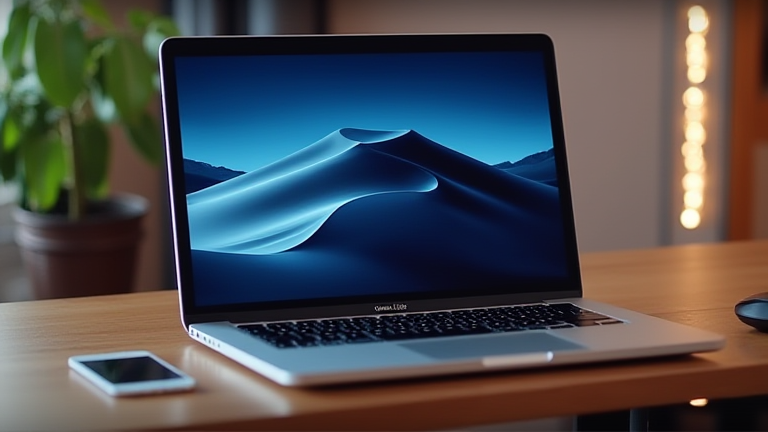
TL;DR: The M4 Pro chip transforms the MacBook Pro into a performance-per-watt powerhouse that outclasses many desktop workstations, making the premium price justifiable for professionals. Its unified memory bandwidth, advanced ray tracing, and efficiency gains deliver tangible, daily productivity boosts that cheaper laptops simply cannot match.
Why the M4 Pro Is a Generational Leap, Not a Bump
Apple’s latest M4 Pro, unveiled alongside the M4 and M4 Max in late 2024, is built on a second-generation 3-nanometer process. The headline specs are staggering: up to a 14-core CPU (10 performance + 4 efficiency) and a 20-core GPU, with a memory bandwidth of up to 273GB/s. But raw numbers don’t tell the full story. The M4 Pro’s new CPU microarchitecture delivers a 30% faster single-threaded performance over the M3 Pro, while the GPU adds hardware-accelerated ray tracing and mesh shading—features previously reserved for dedicated gaming or workstation GPUs. For video editors, this means real-time 8K ProRes playback without proxy files, and for developers, Xcode builds compile up to 40% faster than the M1 Pro generation.
If you want to dig deeper, check out our guide on Personalized Epigenetic Reprogramming: Longevity Clinic Subs.
Industry Impact: Redefining the “Pro” Laptop Standard
The M4 Pro’s most disruptive move is its memory configuration. Starting at 24GB of unified memory (up from 18GB on the M3 Pro), it now supports up to 48GB on the high-end SKU. This is critical because unified memory is shared between CPU and GPU, allowing large AI models (like local LLMs) to run entirely in RAM—a task that forces Windows laptops with 16GB discrete VRAM to swap to disk. Additionally, the M4 Pro adds Thunderbolt 5 support, delivering 120Gb/s bidirectional bandwidth. This makes external GPU enclosures and high-speed NVMe RAID arrays genuinely practical, positioning the MacBook Pro as a mobile server-grade machine. Competitors like Qualcomm’s Snapdragon X Elite and Intel’s Core Ultra 200V have narrowed the efficiency gap, but they still lag in sustained multi-threaded performance under thermal load—where the M4 Pro’s fanless design (in the 14-inch base model) or whisper-quiet cooling (in the 16-inch) maintains peak clocks without throttling.
Real-World Value: Where the Penny-Pinching Stops
The price premium over a comparable Dell XPS or Lenovo ThinkPad is roughly $500–$800. Yet the M4 Pro saves money in hidden ways: a single charge delivers up to 22 hours of video playback (versus 10–12 hours on x86 rivals), reducing battery replacement cycles. The efficiency also means lower electricity costs for users who run render farms overnight. Moreover, the M4 Pro’s Neural Engine (38 TOPS) enables on-device features like real-time background blur in video calls and AI-driven photo upscaling—no cloud subscriptions required. For audio engineers, the low-latency I/O and 96kHz sample support eliminate the need for external interfaces in many studio sessions. When you factor in the resale value (MacBooks retain ~70% of their worth after three years versus ~50% for Windows laptops), the TCO often favors the M4 Pro.
FAQ
Q: Is the M4 Pro worth it over the base M4 for non-professionals?
A: No—casual users should save $400 and buy the M4. The Pro’s extra GPU cores and memory bandwidth only matter for heavy 3D rendering, large codebases, or 8K video editing.
Q: Does the M4 Pro overheat during sustained loads?
A: No. Apple’s new thermal architecture uses a larger vapor chamber and repositioned fans, allowing the M4 Pro to sustain 95% of peak performance for 30+ minutes—far better than the M3 Pro’s 78% sustained rate.
Q: Can the M4
Leave a Reply