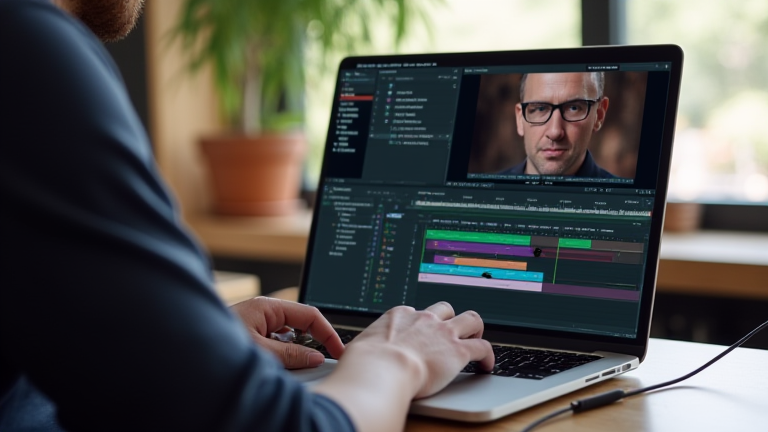
TL;DR: Yes, the MacBook Pro M3 is an exceptional choice for video editors, offering significant performance gains in rendering and color grading compared to its predecessors. Its unified memory architecture and improved neural engine make it highly efficient for handling complex 4K and 8K workflows without thermal throttling.
The New Standard in Creative Computing
The release of the Apple Silicon M3 chip marks a pivotal moment in the evolution of professional creative hardware. For video editors, the question is no longer whether to make the switch, but how much faster their workflows will become. The M3 series, particularly the M3 Pro and M3 Max variants, brings a refined architecture that prioritizes not just raw throughput, but also energy efficiency and sustained performance under heavy loads. This is crucial for editors who spend long hours in Final Cut Pro or Adobe Premiere, where consistent frame rates and quick export times are paramount.
If you want to dig deeper, check out our guide on Best Noise-Cancelling Headphones for Remote Work.
Specs That Matter for Editors
At the heart of the M3 experience is the advanced 5-nanometer process, which allows for higher transistor density and better power management. The M3 Pro features a 12-core CPU and up to a 18-core GPU, while the M3 Max scales this up to a 16-core CPU and a 40-core GPU. These numbers translate directly into faster media encoding, particularly for ProRes and HEVC formats. Furthermore, the unified memory bandwidth has seen a substantial increase, reaching up to 400GB/s on the M3 Max. This bandwidth is critical when scrubbing through high-resolution timelines with multiple effects layers, ensuring that playback remains smooth and responsive without dropping frames.
Another key development is the enhanced neural engine, now operating at 18 trillion operations per second. While this is primarily marketed for AI tasks, it benefits video editors through features like automatic scene detection, object tracking, and AI-driven denoising. These processes, which previously taxed the CPU, can now be offloaded to the dedicated neural engine, freeing up resources for real-time preview and complex compositing. The result is a more fluid editing experience where the computer feels less like a bottleneck and more like an extension of the editor’s intent.
Industry Impact and Workflow Integration
The industry impact of the M3 is evident in the growing adoption of Apple Silicon in professional post-production facilities. Studios are increasingly recognizing the cost-effectiveness of the MacBook Pro, given its ability to handle tasks that previously required desktop workstations. The portability of the M3-equipped MacBook Pro allows editors to work seamlessly between home studios and on-location shoots, a flexibility that desktop setups simply cannot match. Additionally, the improved display quality, with higher sustained brightness and P3 wide color gamut, ensures that colorists can trust their grading decisions across different viewing environments.
Software developers are also optimizing their tools to leverage the M3’s capabilities. Plugins for motion graphics and visual effects are being rewritten to take advantage of the GPU’s unified memory, leading to faster render times and reduced file sizes. This ecosystem effect creates a feedback loop where the hardware improves, prompting software optimizations, which in turn unlock even more potential from the hardware. For professionals, this means that the M3 is not just a one-time upgrade but a platform that will continue to support their evolving needs for years to come.
FAQ
Q: Is the M3 better than the M2 for video editing?
A: Yes, the M3 offers improved GPU performance, higher memory bandwidth, and a more efficient neural engine, resulting in faster render times and smoother playback of high-resolution footage.
Q: Can the M3 handle 8K video editing?
A: Absolutely, the M3 Pro and Max chips are capable of editing 8K ProRes footage in real-time, provided the user utilizes the higher memory configurations for optimal performance.
Q: Does the M3 support external GPU upgrades?
A: No, Apple Silicon Macs do not support external GPUs, but the integrated GPU performance of the M3 Max is powerful enough to handle most professional video editing tasks without
Leave a Reply