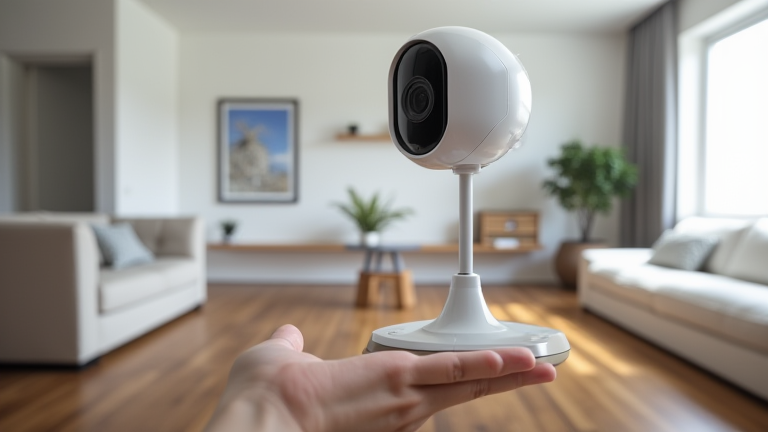
TL;DR: You can use Apple HomeKit Secure Video by adding compatible cameras to the Home app and subscribing to iCloud+ for encrypted cloud storage. This setup ensures your footage remains private while enabling intelligent notifications and seamless integration with your existing smart home ecosystem.
Revolutionizing Home Security with Privacy at Its Core
Apple has long positioned itself as a leader in user privacy, and HomeKit Secure Video represents the pinnacle of this philosophy in the realm of home security. Unlike traditional surveillance systems that often store footage on proprietary servers with questionable data handling practices, HomeKit Secure Video processes all video data locally on your device. This end-to-end encryption ensures that only you can access your video history, effectively making Apple incapable of viewing your private moments even if compelled by legal demands. The latest iterations of this service have expanded significantly, supporting a wider array of third-party cameras from brands like Aqara, Eufy, and Lorex, thereby breaking the walled garden that once limited its usability.
If you want to dig deeper, check out our guide on BigCommerce Sales Data Dashboards Service | Boost Analytics.
Technical Specifications and Ecosystem Integration
The technical backbone of HomeKit Secure Video relies on robust cloud storage solutions provided through Apple’s iCloud+ subscription tiers. Users can choose between 50GB, 200GB, or 2TB plans, which directly correlate to the number of cameras supported. Each subscription tier allows for specific counts of cameras, ensuring that users can scale their security infrastructure without compromising on storage capacity. The system utilizes advanced machine learning algorithms to detect people, animals, and vehicles, sending smart notifications to your iPhone, iPad, or Apple Watch. These notifications are not just simple alerts; they include a snippet of the video, allowing for immediate assessment of the situation without needing to dive into the full camera feed. This seamless integration extends to HomeKit automation, enabling triggers such as turning on lights or locking doors when motion is detected.
Industry Impact and Future Outlook
The introduction of HomeKit Secure Video has forced competitors to rethink their data privacy strategies. Traditional security giants are now under pressure to offer local storage options and stronger encryption protocols to remain competitive. This shift has resulted in a broader industry trend towards user-centric data management, where privacy is no longer a luxury but a standard expectation. As more manufacturers adopt HomeKit compatibility, the ecosystem becomes more robust, offering consumers a unified experience that prioritizes security without sacrificing convenience. The impact is particularly noticeable in the residential market, where homeowners are increasingly demanding transparency in how their data is handled. Looking ahead, Apple continues to refine the service, with upcoming updates promising improved recognition accuracy and support for even more devices. This ongoing evolution ensures that HomeKit Secure Video remains at the forefront of smart home security, setting a high bar for privacy and functionality that other platforms must strive to match.
FAQ
Q: Do I need an Apple TV or HomePod to use HomeKit Secure Video?
A: Yes, you need at least one Apple TV, HomePod, or HomePod mini to act as a hub for local processing and secure video uploads.
Q: How much does HomeKit Secure Video cost?
A: It requires an iCloud+ subscription, starting at $0.99/month for 50GB which supports one camera, with higher tiers supporting more cameras.
Q: Can I use HomeKit Secure Video with any camera?
A: No, only cameras certified for HomeKit Secure Video are compatible, including models from Apple, Aqara, Eufy, and Lorex.
Leave a Reply