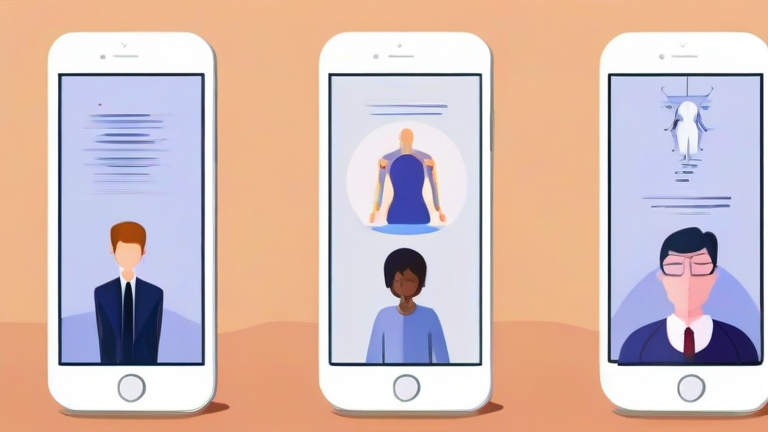
Digital Wellness Apps Combat AI-Induced Screen Fatigue
In the modern digital landscape, the integration of Artificial Intelligence into our daily routines has created a paradoxical effect. While AI promises efficiency and personalization, it simultaneously accelerates the pace of information consumption, leading to a phenomenon known as AI-induced screen fatigue. This condition is characterized by mental exhaustion, reduced attention spans, and eye strain caused by the relentless, algorithm-driven flow of content. To reclaim your cognitive balance, it is essential to leverage digital wellness applications designed specifically to mitigate these effects. This guide provides a comprehensive, step-by-step approach to using these tools effectively.
Step 1: Audit Your Digital Consumption
The first step in combating screen fatigue is understanding the source of your exhaustion. Most smart devices come equipped with built-in screen time trackers, but third-party wellness apps offer deeper insights. Install a comprehensive analytics tool that categorizes your usage by app type and duration. Look for features that identify “doomscrolling” patterns or excessive interaction with AI-driven recommendation engines.  Once installed, run the app for one week without making immediate changes. This baseline data is crucial for identifying which AI-heavy platforms contribute most to your fatigue.
If you want to dig deeper, check out our guide on DNA Testing for Personalized Nutrition: Boost Health & Welln.
Step 2: Configure Intelligent Blocking
With your data in hand, configure your digital wellness app to enforce boundaries. Unlike simple timers, advanced wellness apps use AI to learn your habits and suggest optimal blocking windows. Set strict “focus hours” where access to social media and news aggregators is restricted. Enable “dark mode” enforcement during evening hours to reduce blue light exposure, a key contributor to eye strain and sleep disruption. Ensure that your app’s notification settings are turned off for non-essential applications. This proactive approach prevents the impulse to check your phone, breaking the cycle of continuous stimulation.
Step 3: Implement Micro-Breaks and Mindfulness
Even with strict boundaries, residual fatigue may persist. Many digital wellness apps
Leave a Reply