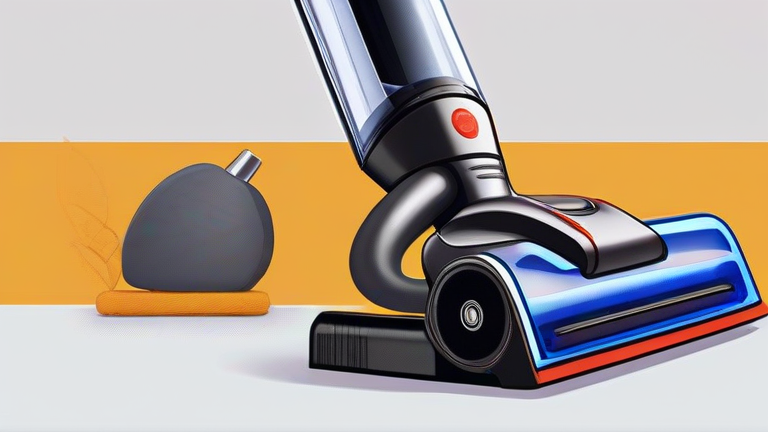
TL;DR: To reset a Dyson V15 Vacuum, simply turn the device off, detach the battery pack, and wait for ten minutes to allow the internal capacitors to fully discharge before reattaching it. If the issue persists, check for blockages in the filter and cyclone assembly, as these common obstructions often trigger error codes that mimic system failures.
Preparing for the Reset
Before attempting any technical reset, ensure your workspace is clean and dry. Safety is paramount when dealing with high-voltage battery equipment, so always start by switching the vacuum off using the power button located on the handle. This simple step prevents accidental activation during your troubleshooting process. 
Step-by-Step Reset Procedure
The most effective method for resetting the internal electronics involves a complete power cycle. First, press the battery release latch located at the bottom of the handle to detach the battery pack from the main body. You should hear a distinct click indicating successful separation. Once removed, place the battery in a safe, non-conductive area away from direct sunlight or heat sources.
Next, you must wait. Patience is critical here. Leave the battery and the main vacuum unit disconnected for at least ten minutes. This duration allows the residual charge in the circuit board to dissipate completely, effectively clearing any temporary software glitches or sensor errors that may be causing the laser dust detection or performance issues. During this wait time, inspect the brush bar for tangled hair, as physical obstructions can sometimes cause the system to behave erratically.
After the ten-minute wait, reinsert the battery firmly until it clicks back into place. Turn the vacuum on and observe the display screen. If the error code has disappeared and the suction power is normal, your reset was successful. If the issue remains, proceed to the next step.
Cleaning Filters and Cyclones
Often, a reset is insufficient if the hardware is compromised by clogs. Remove the top cap and extract the whole-machine filter. Rinse it under cold water without using soap, and let it air dry for twenty-four hours. Meanwhile, check the cyclone assembly for visible debris. Reassemble the unit only when all parts are completely dry to prevent motor damage.
FAQ
Q: Why does my Dyson V15 keep showing an error code after resetting?
A: This usually indicates a persistent physical blockage or a faulty filter. Ensure no hair is wrapped around the brush bar and that the filter is 100% dry before reassembly.
If you want to dig deeper, check out our guide on How to Use Canva Pro: Step-by-Step Design Tutorial for Begin.
Q: How long should I wait before putting the battery back in?
A: You should wait a minimum of ten minutes to allow the internal capacitors to fully discharge and reset the electronic control unit properly.
Q: Can I reset the vacuum without removing the battery?
A: No, a standard power cycle via the switch is often insufficient for deep system resets. Removing the battery ensures a complete power drain for the mainboard.
Leave a Reply