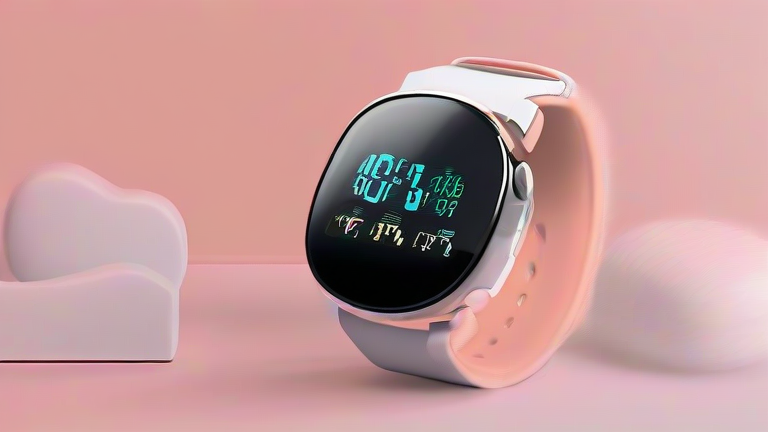
How Wearable Health Monitors Predict Heart Attacks
In recent years, wearable technology has evolved from simple fitness trackers into sophisticated medical-grade devices capable of detecting life-threatening conditions before they become catastrophic. While no consumer device can replace a doctor’s diagnosis, smartwatches and fitness bands can identify irregular heart rhythms and other physiological anomalies that may signal an impending cardiac event. Understanding how these devices work and how to use them effectively can be a crucial step in proactive health management. This guide outlines the mechanisms behind these predictions and provides actionable steps for users.

Understanding the Technology
To predict potential heart issues, wearable monitors primarily rely on two technologies: Optical Heart Rate Sensors (PPG) and Electrical Heart Sensors (ECG). Photoplethysmography (PPG) uses green LED lights to measure blood volume changes in the capillaries, providing a continuous heart rate reading. However, for detecting arrhythmias like atrial fibrillation, many modern devices incorporate single-lead ECG technology. This allows users to place a finger on a button, completing an electrical circuit that records the heart’s electrical activity. This data is then analyzed by onboard algorithms to detect irregularities such as high or low heart rates, which can be early warning signs of more serious cardiovascular problems.
If you want to dig deeper, check out our guide on Neurotechnology: How Thought Control Aids Paralysis Patients.
Step-by-Step Instructions for Monitoring
Step 1: Ensure Proper Fit
Accuracy begins with a secure fit. The device should be worn snugly on the wrist, about two finger-widths above the wrist bone. If the band is too loose, light leakage from the PPG sensor can compromise data quality. If it is too tight, it may restrict blood flow and cause discomfort. Adjust the strap until it feels firm but comfortable during both rest and exercise.
Step 2: Enable Continuous Monitoring
Navigate to your device’s health app settings and enable features like “Irregular Rhythm Notification” and “High/Low Heart Rate Alerts.” These settings allow the
Leave a Reply