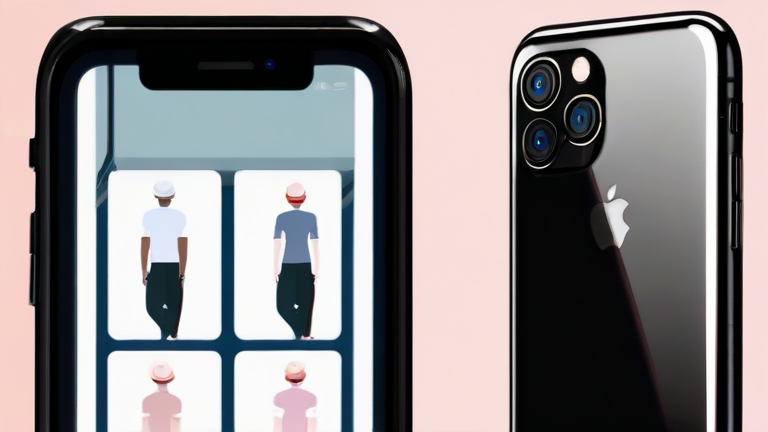
TL;DR: To maximize the iPhone 16 Pro Max’s photographic potential, enable 48MP Fusion mode and utilize the new Camera Control button for intuitive exposure adjustments. Mastering these settings allows users to leverage the advanced sensor size and computational photography features for professional-grade results in any lighting condition.
Unlocking Professional Photography on the Go
The Apple iPhone 16 Pro Max represents a significant leap forward in mobile imaging technology. With the introduction of the 48MP Fusion camera, Apple has addressed one of the longstanding criticisms of previous Pro models: the lack of true high-resolution default capture. This new sensor architecture allows for 24MP and 48MP outputs simultaneously, offering unprecedented detail and dynamic range. However, the hardware is only half the equation; understanding the nuanced software settings is crucial for extracting the full capability of this device.
A major development in the iPhone 16 series is the integration of the Camera Control button. This capacitive sensor provides tactile feedback and pressure sensitivity, allowing users to adjust zoom, exposure, and depth of field without interrupting their flow. When paired with the updated Photographic Styles, which now allow for finer granularity in contrast, color, and warmth, the device offers a level of creative control previously reserved for DSLRs. Industry analysts suggest this shift towards tactile controls and higher resolution defaults could set a new standard for smartphone ergonomics and image quality across the entire Android and iOS ecosystems.
To get started, navigate to Settings > Camera > Formats and ensure Apple ProRAW is enabled for maximum post-processing flexibility. Additionally, turn on “Keep Settings” to prevent the camera app from resetting your preferred configurations between uses. The new 5x Telephoto lens, now available on both Pro models, benefits significantly from these settings, providing sharp, detailed portraits and distant subjects. By combining the hardware’s 1/1.28-inch sensor with intelligent computational photography features like Smart HDR 5, users can capture scenes with remarkable clarity, even in challenging low-light environments.
The impact on the broader tech industry is profound. Competitors are now racing to match the sensor sizes and processing speeds introduced by Apple. This arms race for photographic supremacy drives innovation in lens manufacturing, AI processing, and battery efficiency. As mobile photography continues to replace dedicated cameras for many consumers, the iPhone 16 Pro Max serves as a benchmark for what is possible when hardware and software are seamlessly integrated. Understanding these settings is not just about taking better pictures; it is about participating in the future of digital imaging.
FAQ
Q: How do I enable 48MP resolution on the iPhone 16 Pro Max?
A: Go to Settings > Camera > Formats and select “Apple ProRAW” or ensure “High Efficiency” is on, then use the 48MP selector in the camera app interface.
If you want to dig deeper, check out our guide on Subreddit changes – 2026.
Q: What is the primary function of the Camera Control button?
A: The Camera Control button acts as a capacitive slider that allows for intuitive adjustments to zoom, exposure, and depth of field through press and swipe gestures.
Q: Does the iPhone 16 Pro Max support optical zoom beyond 5x?
A: No, the iPhone 16 Pro Max features a 5x tetraprism optical zoom lens, which is an improvement over the previous generation’s 5x lens but does not extend beyond that focal length.
Leave a Reply