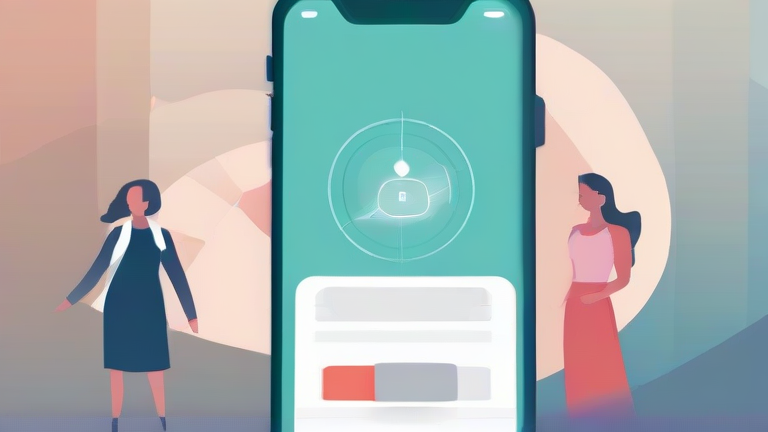
Mental Health Apps & Wearables: The Perfect Integration
In the rapidly evolving landscape of digital wellness, the convergence of mental health applications and wearable technology offers unprecedented opportunities for self-care. By syncing these devices, users can gain holistic insights into their psychological well-being, transforming abstract feelings into actionable data. This guide provides a streamlined approach to integrating your mental health app with your wearable device, ensuring a seamless and effective experience.
Step 1: Select Compatible Tools
The foundation of a successful integration lies in choosing devices that communicate effectively. Start by auditing the apps currently installed on your smartphone. Popular mental health platforms like Headspace, Calm, or Woebot often have partnerships with major wearable manufacturers. Simultaneously, review your wearable device, whether it is an Apple Watch, Fitbit, Garmin, or Samsung Galaxy Watch. Ensure both ecosystems support data sharing via standard protocols like Apple HealthKit or Google Fit. This compatibility check prevents future connectivity issues and ensures that heart rate variability (HRV) and sleep data are accurately transmitted between platforms.
Step 2: Configure Permissions and Syncing
Once you have selected your tools, the technical setup begins. Open your wearable’s companion app on your smartphone and navigate to the settings menu. Look for the “Privacy” or “Data Sharing” section. Here, you will need to grant permission for your mental health app to access specific biometric data. Typically, you should allow access to heart rate, sleep stages, and stress levels. Conversely, open your mental health application and navigate to its integration settings. Connect it to your wearable’s service provider. This bidirectional sync allows the app to adjust its recommendations based on your physiological state, such as suggesting a breathing exercise if your stress levels spike.
Step 3: Customize Your Dashboard
After the technical connection is established, personalize your experience. Most mental health apps allow you to create custom dashboards. Integrate your wearable’s sleep score and daily stress trends into this view. This visual correlation helps you identify patterns. For instance, you might notice that poor sleep quality on weekdays correlates with higher anxiety levels on Monday mornings
Leave a Reply