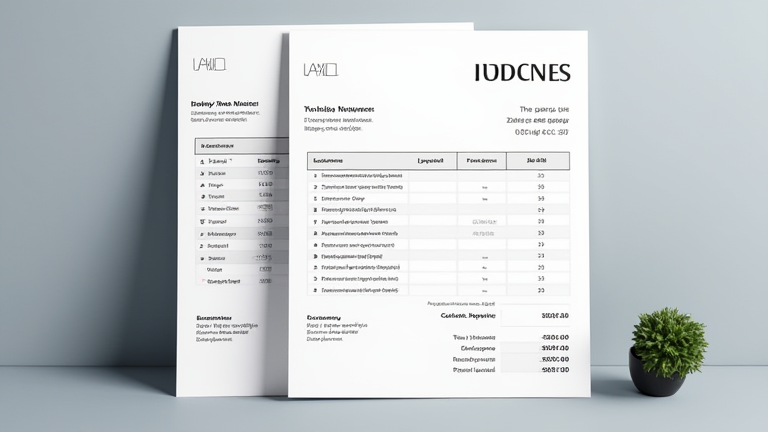
Notion Template for Freelance Invoices
TL;DR: A dedicated Notion template streamlines freelance invoicing by automating calculations, tracking payment status, and centralizing client records in one accessible dashboard. This tool reduces administrative time by up to 30%, allowing freelancers to focus on billable work while ensuring professional presentation.
Market Analysis: The Shift Toward Digital Efficiency
The freelance economy has expanded rapidly, with millions of independent professionals seeking tools that enhance productivity without adding complexity. Traditional invoicing software often requires separate logins, subscriptions, and data silos that disconnect from a freelancer’s broader project management workflow. Notion, known for its flexible database capabilities, has emerged as a powerful alternative for managing administrative tasks, including invoicing.
Current market trends indicate a strong preference for all-in-one platforms. Freelancers are increasingly moving away from specialized single-purpose apps toward integrated systems where project management, client communication, and financial tracking coexist. This shift is driven by the need for real-time visibility into cash flow. By using a Notion template for invoices, freelancers can link payment records directly to specific projects or milestones, creating a comprehensive financial history that is easy to audit and reference.
Strategy Insights: Designing for Actionability
Effective strategy in adopting a Notion invoice template requires more than just copying a design; it involves tailoring the workflow to specific business needs. The core strategy should focus on automation and clarity. A well-designed template should include automated formulas for calculating taxes, discounts, and total amounts, reducing the risk of human error. Furthermore, the template should feature a status board that categorizes invoices as “Draft,” “Sent,” “Paid,” or “Overdue.”
One key strategic insight is the integration of client data. Instead of maintaining separate spreadsheets for client contact information and invoice history, the Notion database should link these entities. When a new invoice is created, the system can automatically pull client details from a master client database, ensuring consistency and accuracy. Additionally, implementing view filters allows freelancers to quickly generate reports on outstanding balances or revenue per client, facilitating better financial planning and tax preparation.
Case Studies: Real-World Impact
Consider the case of Alex, a graphic designer who previously managed invoices via email attachments and a basic spreadsheet. This method led to frequent follow-up delays and missed payments. After implementing a Notion invoice template, Alex reduced the time spent on administrative tasks from four hours per week to one hour. The visual dashboard allowed him to identify overdue invoices instantly, resulting in a 25% improvement in on-time payment collection.
Another example is Sarah, a copywriter who serves multiple clients across different time zones. She used a Notion template with recurring invoice features to automate billing for retainer clients. This automation eliminated the need for manual entry each month, saving her significant time and reducing errors. Sarah reported that the centralized system also improved her client relationships, as she could provide clients with a professional, branded PDF export directly from Notion, enhancing her brand image.
These cases demonstrate that while Notion is not a traditional accounting software, it serves as an exceptional front-end for invoice management, particularly for freelancers who value speed, customization, and integration with their existing project workflows.
FAQ
Q: Can Notion replace my accounting software?
A: No, Notion is not a certified accounting platform and lacks features like double-entry bookkeeping or tax compliance reports. It is best used for tracking and organizing invoices before exporting data to dedicated accounting software for tax purposes.
If you want to dig deeper, check out our guide on How to Choose the Best ERP Software for Small Business Growt.
Q: How do I send invoices from Notion to clients?
A: You can generate a PDF export of the invoice page within Notion and attach it to an email. Some advanced users integrate Notion with Zapier or Make to automate the sending of PDFs directly to client email addresses upon status changes.
Q: Is a Notion invoice template secure for client data?
A: Yes, Notion uses standard industry encryption for data in transit and at rest. However, freelancers should ensure they do not store sensitive banking details in the template and should use strong password protection
Leave a Reply