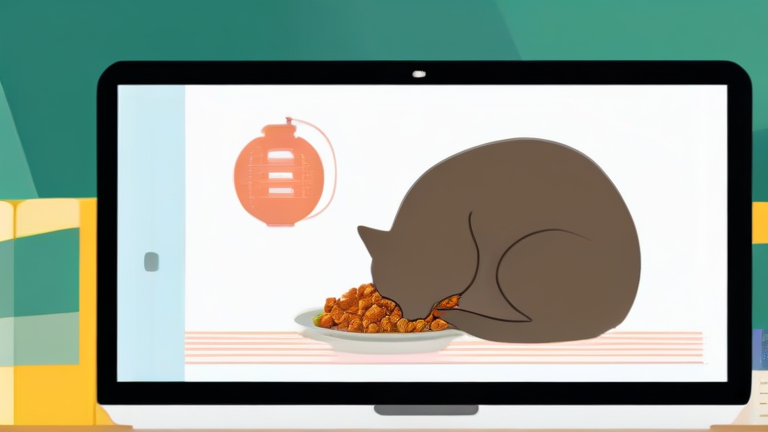
TL;DR: When smart feeders go offline, immediately switch to manual feeding using stored food and a traditional bowl to ensure your pets do not go hungry. Simultaneously, troubleshoot the device by checking power sources, Wi-Fi connectivity, and firmware updates to restore automated scheduling as quickly as possible.
Immediate Action Steps
When you notice that your cats or dogs have missed their scheduled meals due to a smart feeder outage, the first priority is ensuring their nutritional needs are met without delay. Technology fails, but your responsibility to care for your pets remains constant. Start by physically inspecting the feeder. Often, the issue is as simple as a tripped circuit breaker, a disconnected power cord, or an empty battery compartment if the device has a backup power option. If the feeder is plugged in but unresponsive, try a hard reset by unplugging the unit for thirty seconds and plugging it back in. This can clear temporary software glitches that cause the scheduling mechanism to freeze.
If you want to dig deeper, check out our guide on 10 Simple Lifestyle Habits to Boost Your Daily Happiness.
While troubleshooting, do not leave your pets waiting. Retrieve the portion of food that was supposed to be dispensed. Most smart feeders have a manual override button or a manual feed button on the control panel. If the device is completely dead, open the food hopper according to the manufacturer’s instructions. Use a scoop or measuring cup to provide the exact amount of kibble or wet food that was scheduled. Place this food in a clean, traditional bowl. This step is crucial because even a short delay in feeding can cause anxiety in dogs or hypoglycemia in small cats. Ensure your pets eat the food immediately. If they are hesitant, try warming the food slightly or adding a bit of water to enhance the aroma, encouraging them to eat despite the disruption in their routine.
Troubleshooting and Prevention Tips
Once your pets are fed, focus on diagnosing the technical root cause. Check your home’s Wi-Fi network. Smart feeders rely on a stable internet connection to receive schedule commands from your smartphone app. If your router is down or the signal is weak near the feeder’s location, the device may not receive the dispatch signal. Consider moving your router closer or using a Wi-Fi extender if the feeder is in a remote part of the house. Also, verify that the feeder’s clock is synchronized. If the device has lost power, its internal clock may reset to factory settings, causing it to miss the next scheduled meal. Reconnect the device to your Wi-Fi and sync the time in the app before reprogramming your schedule.
To prevent future outages, always keep a manual backup plan. Store an extra three days’ worth of pet food in a sealed container away from the feeder. This ensures you never run out of food if the device jams or breaks. Additionally, subscribe to firmware update notifications in your feeder’s app. Manufacturers often release patches to fix bugs that cause connectivity issues. Finally, consider a feeder with a battery backup system. This allows the device to continue dispensing meals even during a power outage, providing peace of mind for pet owners who travel or have unreliable power grids. Regular cleaning of the food chute is also essential, as clumped kibble is a leading cause of mechanical failure.
FAQ
Q: What should I do if my smart feeder is completely dead and I cannot open it?
A: If the device is locked and unresponsive, consult the manufacturer’s manual for an emergency manual release mechanism, which is often a small lever or screw on the side. If none exists, use the manual override button to dispense food directly into a bowl.
Q: Will my pets be stressed by missing one meal?
A: Generally, missing a single meal is not harmful for healthy adult cats and dogs. However, they may become anxious or beg for food. Maintain a calm demeanor and feed them manually as soon as possible to restore their routine.
Q: How can I prevent Wi-Fi issues from causing feeder outages?
A: Ensure your feeder is within a strong signal range of your router. Use a Wi-Fi extender if necessary, and check that your internet service provider is
Leave a Reply